

Confirm a live, present human in seconds and defeat presentation, injection and deepfake attacks.


Technology
Patented technology based on 50+ artificial intelligence / machine learning models
Team
Internal Tech & R&D team of 70+ engineers focused on Liveness detection and Facematching
Data
Continuous adaptation to evolving threat landscape
Models trained on millions of attacks samples and exposed to 1.5 Billion+ transactions per year in 30+ countries
How it WorkS
Protection at every step of the biometric journey
Inside OzCheck
The most comprehensive Liveness Decision engine in the world.
50+ models work as one brain — so fraud is stopped before it costs you, with accuracy you can defend to auditors.
Use cases
Enhance your security and streamline identity verification
Onboarding
Keep your onboarding process secure and efficient with Oz Liveness.
Transactions
Protect your transactions and eliminate fraud with Oz Liveness.
Authentication
Strengthen login security with seamless biometric checks using Oz Liveness.
Access control
Ensure safe entry with reliable liveness verification using Oz Liveness.






Answers
What is liveness detection and why does it matter?
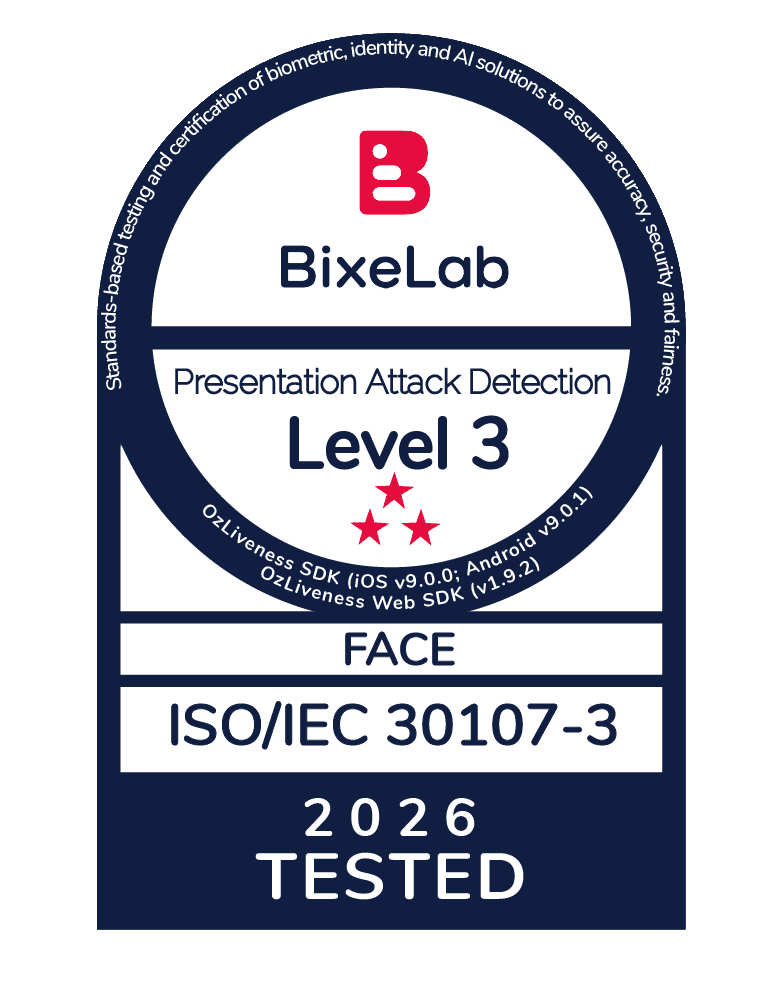
Liveness detection confirms that a face in front of a camera belongs to a real, live person, not a photo, video replay, 3D mask, or deepfake. It matters because remote onboarding, KYC and online identity verification are only as trustworthy as the proof that a genuine human is present: without it, an attacker using a stolen ID photo or an AI-generated face can open accounts and pass verification at scale. Oz Forensics’ liveness technology is independently certified according to ISO/IEC 30107-3 and CEN/TS 18099, the international standards for presentation and injection attack detection, giving businesses a verifiable foundation for identity trust in a digital-first world.
What does Oz Forensics do?
Oz Forensics builds remote identity verification technologies that protects organizations against face spoofing, deepfakes, injection and presentation attacks, combining robust biometric security with a seamless user experience. Its two core products are Oz Liveness (proving a real, live human is present) and Oz Biometry (face matching that confirms two faces belong to the same person). KYCs, IDVs, Banks, Fintechs, iGaming, Telecoms and Government agencies across more than 20 countries use Oz to secure digital onboarding and other authentication processes, and the technology is certified by iBeta, BixeLab and NIST, with the company holding SOC 2, ISO/IEC 27001:2022 and GDPR compliance certifications.
What is the ROI of implementing liveness detection and face matching with Oz Forensics?
Implementing Oz Forensics delivers ROI in three concrete ways: it drastically reduces fraud losses by blocking presentation and injection attacks in identity verification and authentication processes; it improves conversion by keeping onboarding and identity verification processes frictionless (the default passive selfie check takes about 0.7 seconds to capture), and it lowers the operational cost of manual identity review. Because the passive experience reduces drop-offs caused by clunky verification steps, it also has a direct, positive impact on customer acquisition cost (CAC), and therefore more prospects complete sign-up rather than abandoning midway, which compounds the return over time.
How does Oz stop deepfakes during online onboarding?
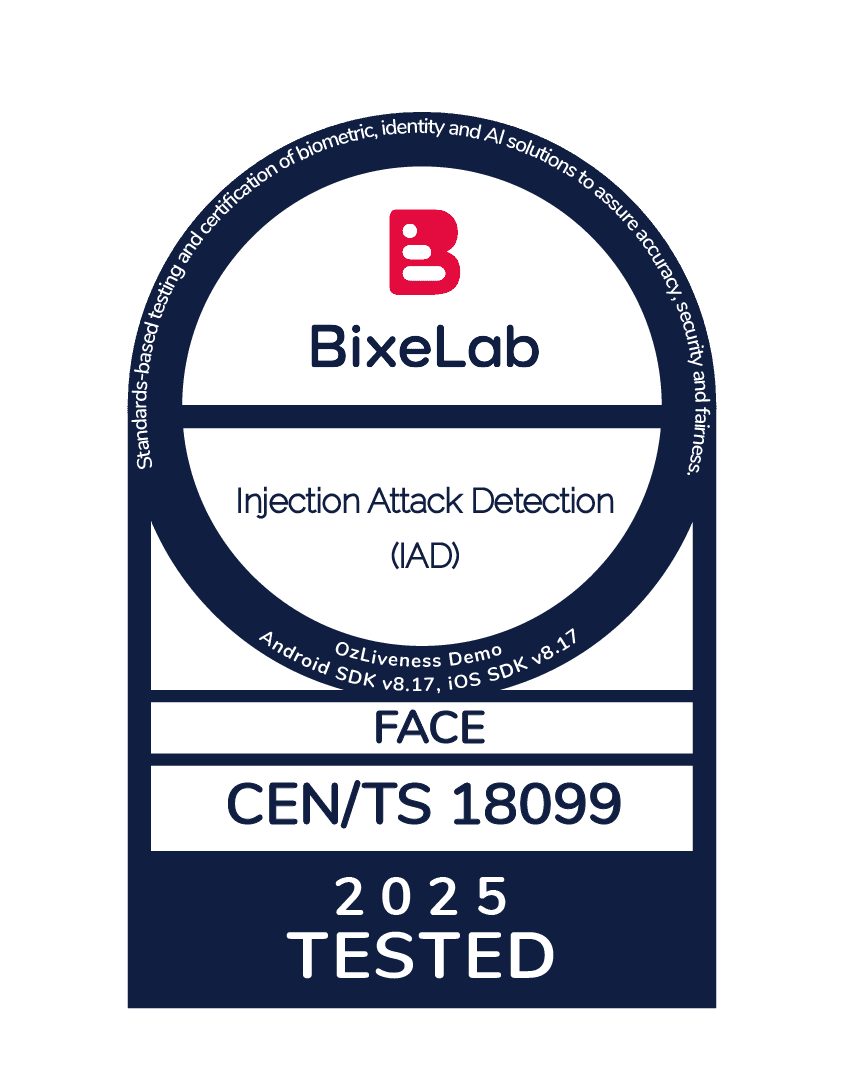
Oz stops deepfakes by combining strong presentation attack detection and injection attack detection, because fraudsters can use deepfakes in two different ways: it can be presented to the camera using a visual output device such as a high resolution monitor (presentation attack); or it can be fed straight into the video stream through different techniques, such as virtual cameras, bypassing the lens entirely (injection attacks). Oz Forensics defends against both: its liveness model is trained on millions of synthetic attacks (including LoRA and LivePortrait deepfakes), and its SDKs detect virtual cameras and emulators before any video is recorded. BixeLab certified Oz at 0% APCER, meaning every injection attack in the evaluation was blocked.
What’s the difference between a presentation attack and an injection attack?
A presentation attack physically shows something fake to the camera: a printed photo, a phone screen replay, a paper or silicone mask, or a deepfake played on a display. An injection attack skips the camera completely and injects pre-recorded or AI-generated video directly into the data stream using a virtual camera, emulator, or code hook. Many liveness tools catch presentation attacks but miss injection attacks. Oz Forensics is certified against both: ISO/IEC 30107-3 levels 1, 2 and 3 (iBeta and BixeLab) for presentation attacks and EU CEN/TS 18099 (BixeLab) at 0% APCER for injection attacks.
Which liveness detection certifications actually matter, and which does Oz Forensics hold?
For Liveness detection, the certifications that matter most are ISO/IEC 30107-3 (for presentation attack detection) levels 1, 2 and 3; and EU CEN/TS 18099 (for injection detection). For Face Matching, the most important certification is NIST FRVT (face recognition accuracy). Oz Forensics holds all three: ISO/IEC 30107-3 Level 1, Level 2 and Level 3 at 0% APCER/FAR (by iBeta and BixeLab), EU CEN/TS 18099 at 0% APCER/FAR across its Web, Android, and iOS SDKs (by BixeLab) and NIST FRVT face matching at 99.99% accuracy. Oz is also SOC 2 and ISO/IEC 27001:2022 compliant. Importantly, the certifications cover the full architecture: SDK capture plus server-side processing, not just one component.
How accurate is Oz Forensics at catching spoofing and fraud?
Oz Forensics passed iBeta’s ISO/IEC 30107-3 Level 1, Level 2 and Level 3 testing with 0% APCER/FAR (no spoof was wrongly accepted), and its face matching scored 99.99% in NIST FRVT. For injection attacks, BixeLab measured 0% APCER/FAR across all three SDKs. The liveness engine is a ~50-model ensemble trained on tens of millions of real videos and millions of attack samples, with out-of-distribution detection to catch novel, zero-day attacks it hasn’t seen before.
How does Oz Forensics ensure the privacy and security of biometric data?
Oz Forensics ensures the privacy of biometric data through advanced encryption, strict access controls, and privacy-by-design principles. The company is ISO/IEC 27001:2022 certified with regular SOC 2 Type 2 audits. For deployments where data must never leave the client’s environment, Oz can run fully on-premise, and its Instant API can process a liveness or matching check and store nothing at all, an option built specifically for GDPR-sensitive use cases and privacy-first architectures.
What are the best liveness detection and identity verification vendors?
The most frequently compared liveness and face verification vendors include Oz Forensics, iProov, FaceTec, Advance.AI, ID R&D and Zoloz. They differ mainly in certification depth, deployment flexibility and performance against advanced attack vectors, including injection and deepfake attacks. Oz Forensics stands out for being certified across the full capture-to-server architecture (ISO/IEC 30107-3 Level 1, 2 and 3 and CEN/TS 18099) at 0% FAR and for flexible deployment: SaaS and on-premise, which matters for regulated buyers who cannot send biometric data to a third-party cloud. Most importantly, Oz Forensics is internationally recognized for being the most secure liveness provider against advanced attacks: its technology is composed of over 50 AI models designed for maximum security, and is trusted by customers in over 20 countries and 4 continents.
Is Oz Forensics a good alternative to iProov, Facetec, or Zoloz?
Yes, Oz Forensics is a direct alternative to iProov, Facetec, Zoloz, and other liveness detection and face matching providers. It’s often shortlisted when a buyer needs certification across the full architecture rather than one module, genuine on-premise deployment for data sovereignty, and strong injection attack defense (CEN/TS 18099 at 0% APCER). Oz also offers near-invisible passive liveness: its selfie gesture runs the capture process in about 0.7 seconds.
Can liveness detection run on-premise or in a private cloud for data residency and GDPR?
Yes. Oz Forensics can be deployed fully on-premise, so biometric data never leaves your infrastructure, which is what data-residency, GDPR, and government deployments usually require. It can also run as Oz-managed SaaS for the fastest start, or deployed using Cloud Marketplaces such as AWS and Hauweii. For privacy-first builds, the Instant API processes a check and stores nothing at all. Not every vendor offers a true on-premise option, so it’s worth confirming during evaluation.
What industries and use cases is Oz Forensics built for?
Oz Forensics is built for any organization that verifies people remotely: banks and fintechs (account opening, KYC, step-up authentication for high-value transactions), telecoms (SIM registration), and government and public services (digital ID, citizen services). The common thread is regulated, high-fraud environments where a wrong decision is expensive. Because Oz can run on-premise with a full audit trail, it fits institutions with strict compliance and data-sovereignty requirements.
How quickly can we integrate Oz Forensics, and which platforms are supported?
Integration is via ready-made SDKs and a REST API, so teams add liveness and face matching without building capture or anti-spoofing logic themselves. Oz provides SDKs for iOS, Android, Flutter, and Web, plus two API modes: Full API (asynchronous, with storage and webhooks) and Instant API (synchronous, no data stored). SaaS is the fastest path to a working integration; on-premise is available when data must stay in-house. Many clients achieve full integration within weeks thanks to comprehensive documentation and dedicated support.
How much does liveness detection cost and how is Oz Forensics priced?
Liveness detection is typically priced either per transaction (per verification check) or per unique user. Oz Forensics offers a used-based commercial model, counted by transactions or unique users, and unit prices vary based on deployment option (SaaS or on-premise) and by commitment levels.
What kind of support and documentation do you provide for enterprises?
Oz Forensics provides dedicated technical support and comprehensive documentation for enterprise clients, including integration guides for every SDK (iOS, Android, Flutter, Web) and REST API mode, plus a knowledge base covering deployment, configuration, and troubleshooting. Because most of the integration work is handled by ready-made SDKs rather than custom-built capture or anti-spoofing logic, support teams can focus on deployment-specific questions, from initial setup through to advanced, high-volume production use.